
ERP for Small Businesses in Egypt: Signs You’ve Outgrown Spreadsheets
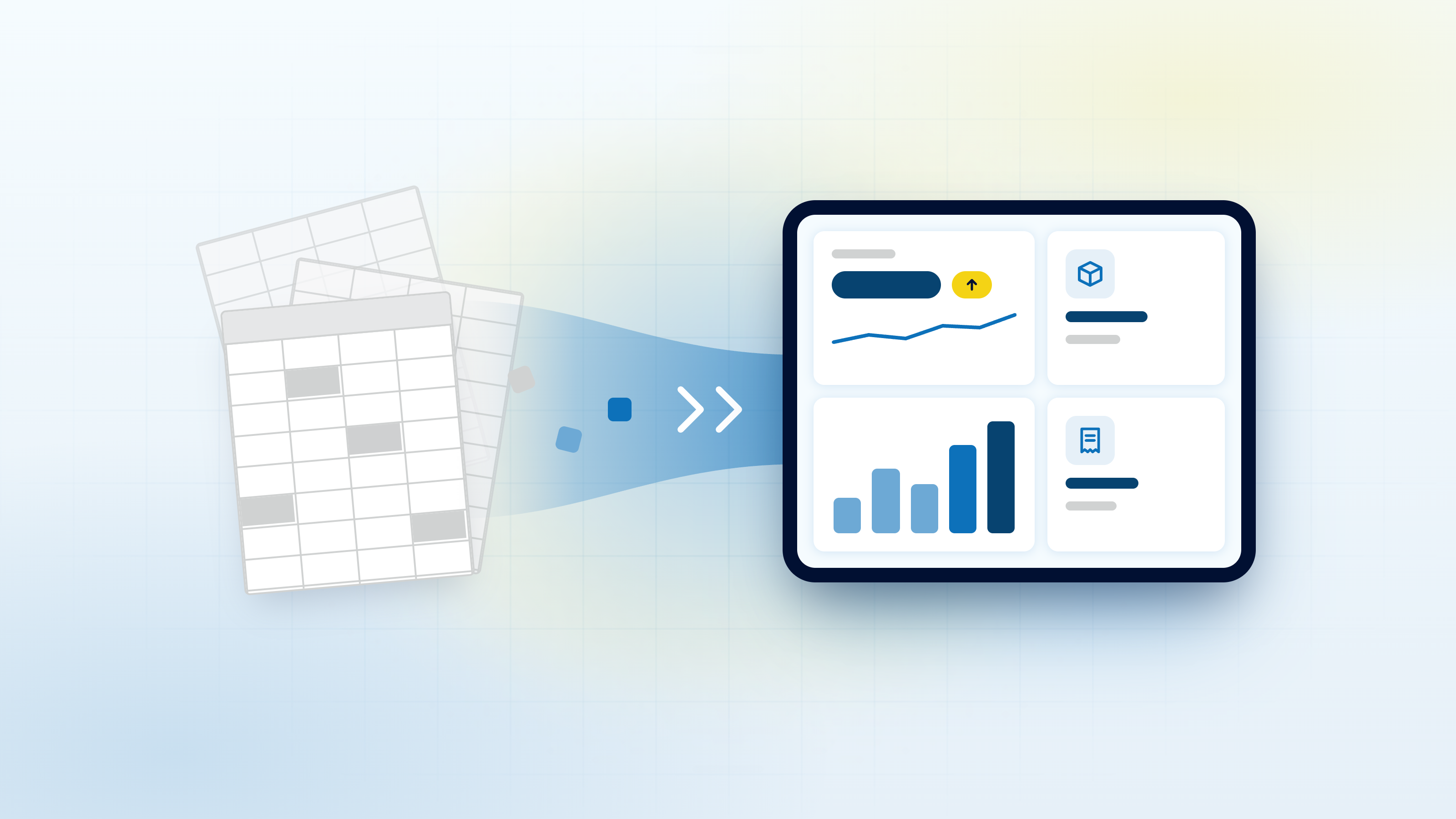
Most Egyptian small businesses run on a familiar stack: a few Excel files, a WhatsApp group for orders, a notebook for cash payments, and an accountant who reconciles everything at the end of the month. It works, until it doesn’t. The day you open a second branch, take on a big distributor, or have to issue invoices electronically, that stack starts to crack.
This guide explains what an ERP for small business in Egypt actually does, the signs that you have outgrown spreadsheets, how e-invoicing changes the picture, and how to choose and roll out a cloud ERP for SMEs without stopping the business.
What an ERP does for a small business, in plain terms
ERP stands for enterprise resource planning, which sounds far bigger than it is. In practice, an ERP is one system where your accounting, inventory, sales, purchasing and HR live together and share the same data.
When a salesperson records an order, the stock is reserved, the invoice is generated, the customer balance updates and the accountant sees the revenue, all from one entry. Nobody has to copy numbers from one file to another. When you buy from a supplier, the purchase order, the goods received and the supplier bill are linked, so you always know what you owe and what is on the shelf.
The point is not the software. The point is having one version of the truth that everyone in the company works from, whether they sit in the office, the warehouse or the showroom.
Eight signs your business has outgrown spreadsheets
None of these signs alone means you need an ERP tomorrow. But if three or four sound painfully familiar, the cost of staying on spreadsheets is probably already higher than you think.
1. Numbers disagree between departments
Sales reports one revenue figure, accounting reports another, and the owner has a third number in mind. Every meeting starts with an argument about whose sheet is right instead of a decision about what to do next.
2. Stock surprises
A customer orders on WhatsApp, the salesperson confirms, and then the warehouse discovers the item ran out last week. Or the opposite: you find boxes of slow-moving stock nobody knew you still had. Both cost you money and reputation.
3. Month-end close takes days
If closing the month means your accountant spends days chasing receipts, matching InstaPay transfers and Fawry payments to invoices, and fixing formulas, you are paying skilled people to do clerical work.
4. Invoices are typed by hand
Someone retypes the order details into an invoice template, then again into the accounts sheet. Every manual step is a chance for a wrong price, a missing item or a duplicated invoice.
5. The owner has no real-time view
You want to know today’s sales, cash in the bank, outstanding customer balances and what is running low. Instead, you ask three people and wait until tomorrow. Decisions get made on gut feeling because the data arrives too late.
6. You opened a second branch or warehouse
One location can survive on one file. Two or three cannot. Transfers between branches, separate cash drawers and stock in different places quickly turn a spreadsheet into a guessing game.
7. Errors from re-typing keep coming back
The same mistakes repeat: a customer billed twice, a supplier paid twice, a discount applied that nobody approved. They are not people problems. They are process problems caused by moving data by hand.
8. Everything depends on one person’s Excel file
There is one master file, and only one person really understands it. When they are on leave, sick or resign, the business loses its memory. That is a serious operational risk, not just an inconvenience.
E-invoicing: why invoicing belongs inside your ERP
Egypt’s Tax Authority (ETA) has been rolling out mandatory e-invoicing and e-receipts for businesses in phases. Many SMEs that used to issue paper invoices now have to submit invoices electronically, in a structured format, through the ETA’s system. Which obligations apply to your business, and from when, depends on your situation, so confirm the details directly with the ETA or with your accountant before you make decisions.
What we can say with confidence is that e-invoicing is much easier when invoicing already lives inside your ERP. Here is why:
- One source of data. The customer details, items, prices and taxes on the invoice come straight from the sale. Nothing is retyped into a separate portal.
- Fewer rejected invoices. Structured data that is validated at the point of sale is far less likely to contain the small mistakes that cause problems later.
- A clean audit trail. Every invoice is linked to the order, the delivery and the payment, so answering questions from your accountant or the tax authority is a search, not a project.
- Less month-end stress. Your sales, tax and accounting figures agree because they come from the same records.
If you are still issuing invoices from a Word template or a spreadsheet, the arrival of e-invoicing is a good moment to fix the whole sales-to-accounting flow, not just the invoice.
Cloud or on-premise ERP: what makes sense for an SME
An on-premise ERP runs on servers in your office. A cloud ERP runs on servers managed by your provider, and your team uses it through a browser or a mobile app. For most Egyptian SMEs, cloud is the practical choice:
- No server room. You don’t buy hardware, worry about power cuts in the office, or hire someone to manage backups.
- Access from anywhere. The owner can check sales from home, a salesperson can check stock from a client’s office, and branch managers see the same live data.
- Easier to grow. Adding a branch, a warehouse or new users is a configuration change, not a new installation.
- Updates handled centrally. Changes, including those needed for new tax requirements, are rolled out centrally.
On-premise can still make sense for companies with strict data-hosting requirements or very unreliable internet at a site. Ask any provider where your data is hosted, how it is backed up, who can access it and how you can export it if you ever leave. Those answers matter more than the label.
Must-have modules vs nice-to-have
A common mistake is buying every module on day one. Start with the modules that fix your biggest pain, then add the rest once the team is comfortable.
| Module | Priority for most SMEs | Why |
|---|---|---|
| Accounting and finance | Must-have | Everything else feeds into it: revenue, costs, taxes, cash. |
| Sales and invoicing | Must-have | Removes manual invoices and supports e-invoicing. |
| Inventory | Must-have if you sell products | Ends stock surprises and shows stock per branch or warehouse. |
| Purchasing | Must-have if you buy stock regularly | Links supplier orders, receipts and bills. |
| HR and payroll | Often phase two | Valuable, but rarely the first fire to put out. |
| CRM, reporting dashboards, mobile apps | Nice-to-have, then essential | Become important as the team and customer base grow. |
Once the core is stable, the ERP becomes a platform you can build on. For example, lead routing from WhatsApp or your website into the sales module, or automatic follow-ups on overdue invoices. That is where AI-powered workflows around your ERP start paying off, because they work on clean, connected data instead of scattered files.
How to choose and implement an ERP without the chaos
ERP projects rarely fail because of the software. They fail because of rushed planning, messy data and teams that were never brought along. A sensible approach looks like this.
Map your processes first
Before looking at any demo, write down how an order actually moves through your business today: from the WhatsApp message to the delivery, the invoice and the payment. Do the same for purchasing and stock. This map shows you what the system must do and where the current process is broken.
Start with core modules
Go live with accounting, sales and inventory first. A smaller, working system beats a large one that nobody uses.
Plan the data migration
Your customers, suppliers, items, opening balances and stock counts need to move into the new system. This is the moment to clean duplicates and fix item codes. Bad data moved into a good system is still bad data.
Train people on their real work
Train each team on the screens they will use every day, with your own products and customers, not generic examples. Choose one person per department to be the go-to champion.
Roll out in phases
Start with one branch or one department, fix what comes up, then expand. Many businesses run the old and new systems side by side for a short period to build confidence.
Choose a partner who can customise
Egyptian businesses have their own realities: Arabic and English invoices, cash on delivery, split payments, distributor pricing, branch transfers. Off-the-shelf software often forces you to bend your business to fit it. The implementation cost and timeline depend mainly on how many modules you need, how much customisation your processes require, the state of your current data and how many branches and users are involved. A team that offers custom software and technology solutions can adapt the system to the way you work instead.
A real example: Buongo ERP
Buongo is a smart cloud ERP for SMEs that Codetoon built. It combines accounting, inventory, sales, HR and e-invoicing in one platform, and it was delivered together with a website and a mobile app.
The published results: 6 core modules deployed, 3× faster process automation, a 60% increase in productivity and 97% client satisfaction. In our experience, the broader lesson for SMEs is that the biggest gains come from connecting the modules, not from any single feature. You can read the full Buongo ERP case study to see how the platform was put together.
Where to go from here
You don’t need to be a large company to need an ERP. You need one when your spreadsheets start costing you more in errors, delays and missed decisions than a proper system would. Start by listing which of the eight signs apply to you, mapping how an order moves through your business, and checking your e-invoicing obligations with the ETA or your accountant.
If you would like a second opinion on whether an ERP fits your business and which modules to start with, talk to the Codetoon team. You can also browse our recent projects to see the kind of systems we build.
Frequently asked questions
Is ERP only for big companies?
No. Cloud ERP for SMEs is designed for businesses that have outgrown spreadsheets but don’t have an IT department. If your departments disagree on numbers or you are opening a second branch, an ERP can pay off well before you become a large company.
Should a small business choose a cloud or on-premise ERP?
For most Egyptian SMEs, cloud is the practical choice: no servers to buy, access from any branch or phone, and updates handled centrally. On-premise can make sense if you have strict data-hosting requirements or unreliable internet at a site. Either way, ask where your data is hosted and how you can export it.
Can an ERP handle e-invoicing in Egypt?
A well-built ERP can generate invoices from your sales data and support e-invoicing, which removes retyping and reduces errors. The exact obligations that apply to your business are set by Egypt’s Tax Authority, so confirm them with the ETA or your accountant before choosing a setup.
How long does ERP implementation take?
It depends on how many modules you need, how much customisation your processes require, the state of your existing data, and how many branches and users are involved. Starting with core modules and rolling out in phases keeps the project manageable and the business running.
Can we start with only some modules?
Yes, and it is usually the smarter approach. Most businesses start with accounting, sales and inventory, then add purchasing, HR or reporting once the team is comfortable with the core.
What happens to our existing Excel data?
Your customers, suppliers, items, opening balances and stock counts are migrated into the new system. Migration is a good moment to clean duplicates and fix item codes, so plan time for it rather than treating it as a last-minute task.
Want this done for your business?
Tell us what you're building and we'll reply within one business day.
Related articles
AI Automation for Businesses in Egypt: A Practical Guide
Your team answers the same WhatsApp questions all day, retypes orders into Excel and chases leads by memory. This guide shows which processes to automate first, what to measure and how to start without wasting a pound.